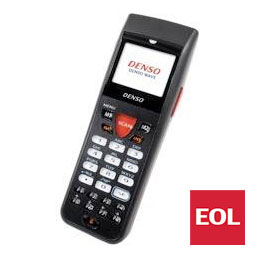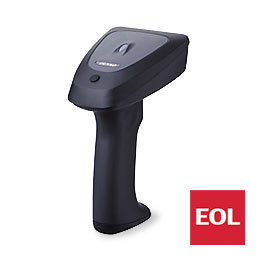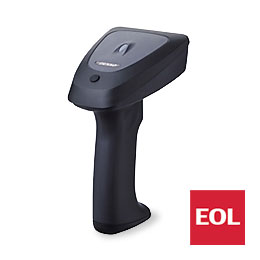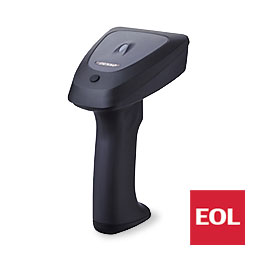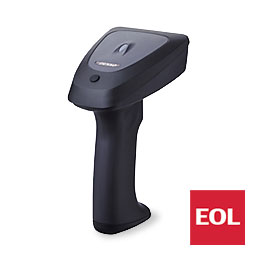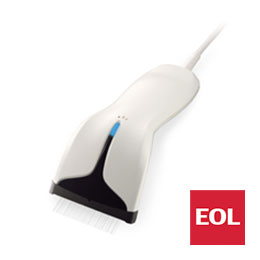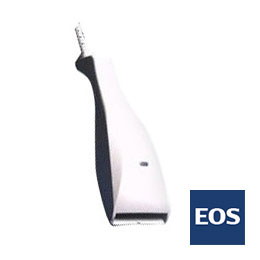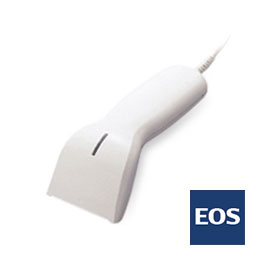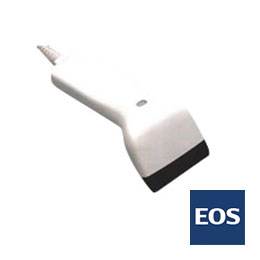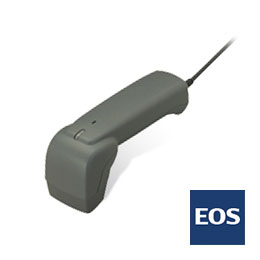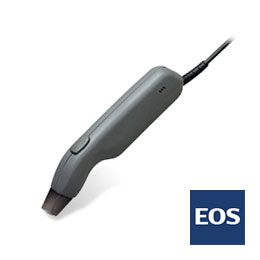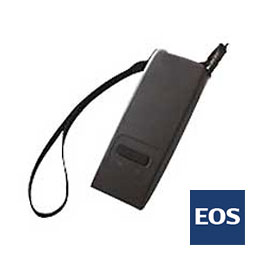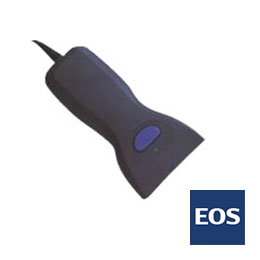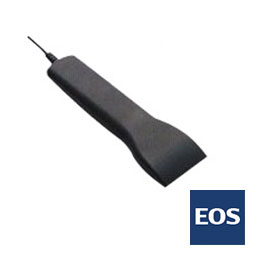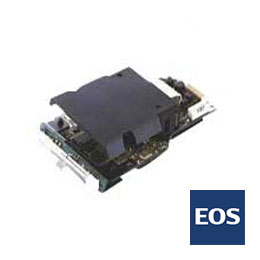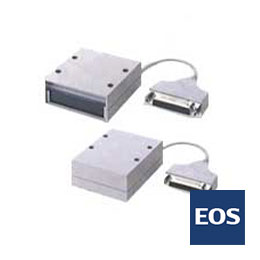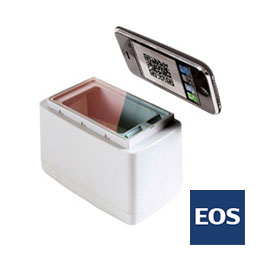
HC56 1DThe RoHS Directive compatible model versatile for every application of a compact & lightweight scanner
- Touch scanning for optimal readability
- Wide reading window for scanning UCC/EAN-128 at ease
- Thinner body, 18.5 % down by conventional unit
- Ultra light, trimmed down by 15 % than conventional unit
- Advanced CCD technology to deliver reliable scanning
Features
Touch scanning for optimal readability

Wide reading window for scanning UCC/EAN-128 at ease

Thinner body, 18.5 % down by conventional unit

Ultra light, trimmed down by 15 % than conventional unit

A bright blue LED indicator to notify reading

Advanced CCD technology to deliver reliable scanning
Compact yet rugged body; best-in-class 1.5 m drop shock durability
Specifications
| Model | HC56TR | HC56TK-A | HC56TU | |
|---|---|---|---|---|
| Scanner | Trigger Switch | Loaded | ||
| Readable codes | EAN-13/-8, UPC-A/-E, UPC-D3, UPC/EAN (With add-on codes), ITF, STF, NW7, CODE39, CODE93, CODE128 (EAN128), RSS | |||
| Reading Width | 65mm (Incl. right and left margin) | |||
| PCS value | not less than 0.45 | |||
| Resolution | 0.125mm | |||
| Light source | LED (red) | |||
| Reading sensor | CCD | |||
| Scanning confirmation | LED (blue), Buzzer | |||
| Communication I/F | I/F | RS-232C | Keyboard emulation(1) | USB(2) |
| Cable | 2m straight cable | |||
| Power | Power supply | original AC adapter(3) | Supplied from the connection target(4) | |
| Environment Requirements | Shock Resistance | LED (blue), Buzzer(5) | ||
| Temperature | 0 to 40°C | |||
| Humidity | 10 to 90% RH (without dews) | |||
| Illumination | 10000lx or less (Fluorescent lamp in daytime) | |||
| Weight (excl. cable) | Approx. 85g | |||
- UPC-D3 supports only HC36 IIR.
- Figures in () can be performed in case of PCS of 0.9 or more and power supply voltage of 5V.
- In case of using JIS standard label of JAN monochrome 13 digits.
- For IBM PC/AT, IBM compatible units
- Corresponding OS is Windows 98/2000/Me/XP.
Dimensions

Accessories
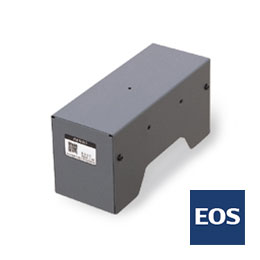
Stand
-
S-30
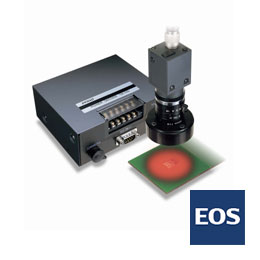
Head holder
Accessories
- Operation guide
- Instructions manual can be downloaded from our technical support site QBdirect.
Related Software
Related Software Lineup
Keyboard Interface Software
Software which converts the data from a scanner like input from a keyboard
-
QRkbif (Free)
Software which receives the information read by a scanner and converts the data as if it was input from a keyboard
- Active USB-COMPort Driver (Free)